Skip to content
Emberlineby Rotter Kobasic

Emberline

by Rotter Kobasic

Keep the last little railway alive.

Every place the ember reaches wakes up. Follow the line as it's built — and ride the first train in the closed beta.

Next stop: the first testers

Chapter one is playable. Phone testing comes next.

The journey

Five regions on one line.

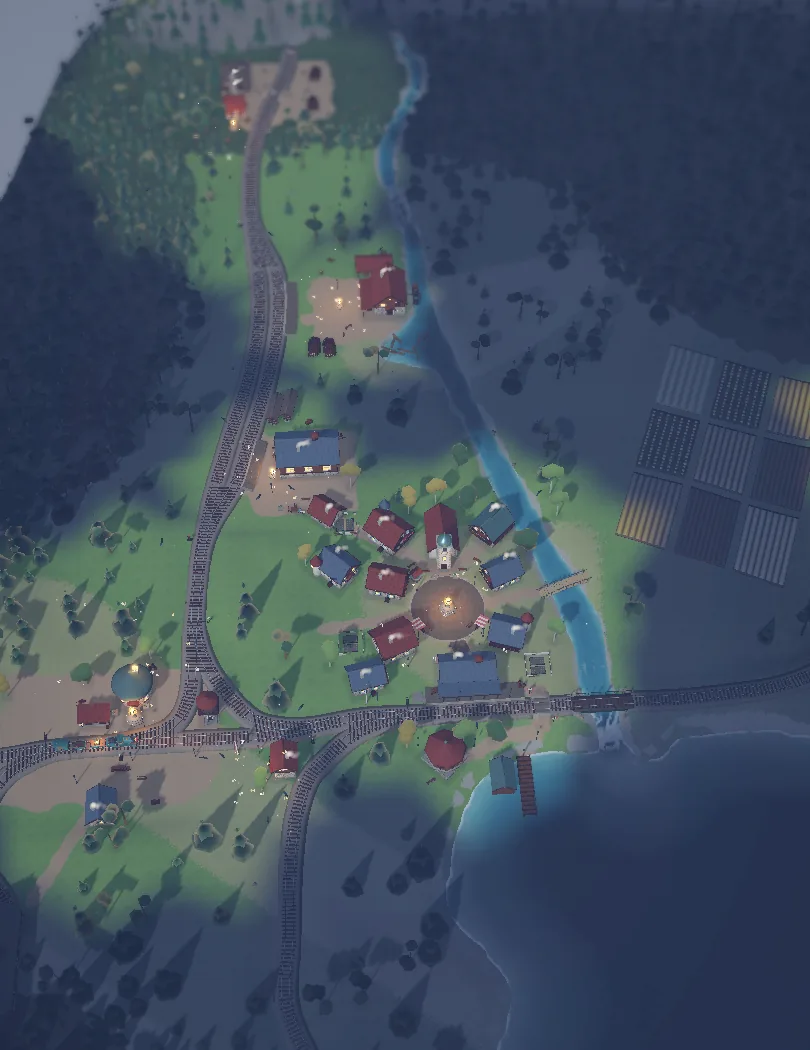
The ember is in Whispering Pines — six episodes, all playable in development builds. The rest of the line is on its way.

Whispering Pines

Forest valley · two villages · the first shared evening

Playable in beta

Silverwater Reach

A wide river, a harbour and islands

Coming soon

Frostpass

Snowy terraces, a tunnel and a high village

Coming soon

Sunscar Canyon

Red rock, a spring and a stone viaduct

Coming soon

Starfall Highlands

Midnight plateaus and an observatory

Coming soon
Closed beta

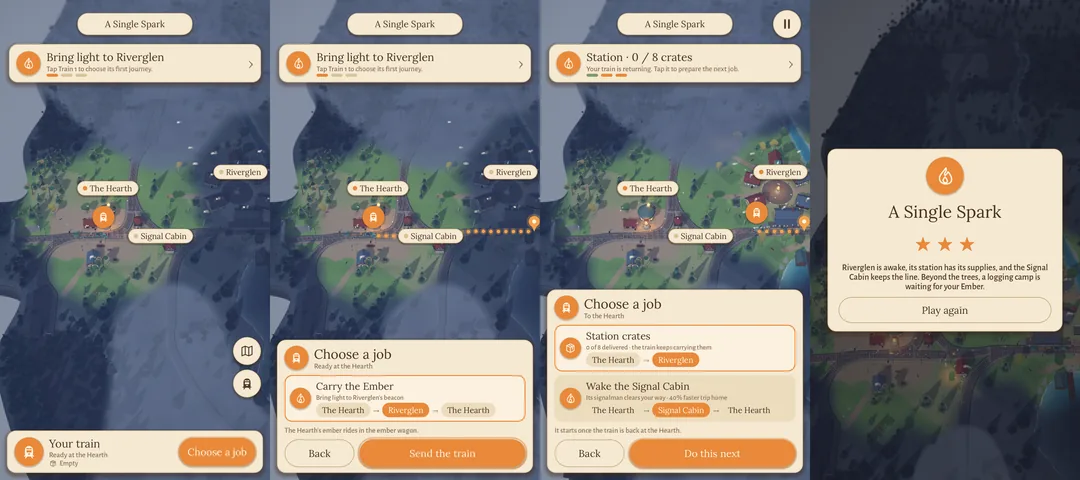
Choose your job.

We're looking for players who love calm, thoughtful games. Here's what a tester's shift looks like.

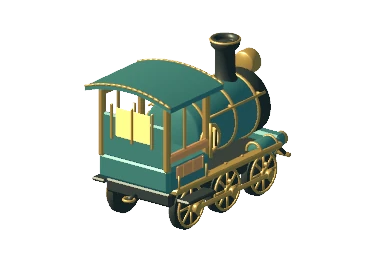
Your train

Ready at the Hearth · Free · an Android phone with Google Play

Apply for the beta

Carry the ember

Apply in two minutes with the Google account you use on Google Play.

Apply→Your ticket

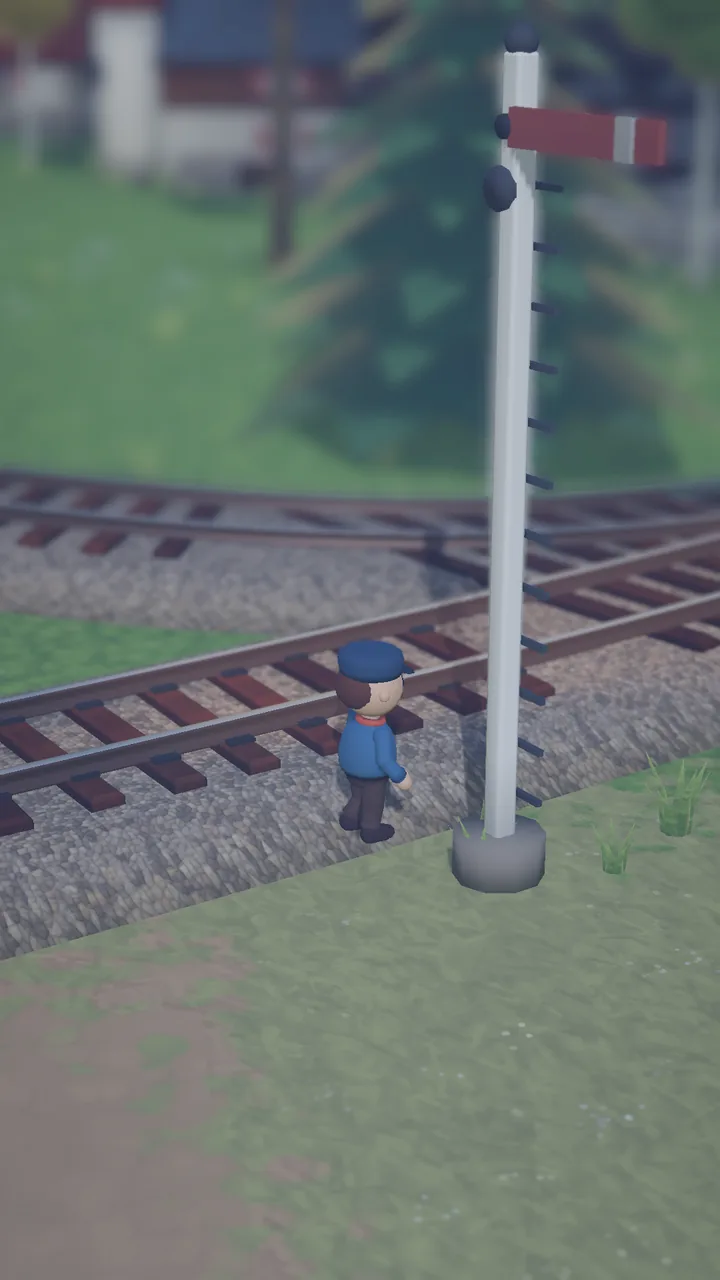
Wake the valley

Install from Google Play and play a few evenings. Updates arrive on their own.

Install→Play

Keep the line

Report bugs and ideas in the tester depot — with screenshots — and see when they're fixed.

Report→Fixed
Questions

Before you board.

Which phones can join?

An Android phone with Google Play. Emberline is built for portrait play on phones; tablets work too. There's no iPhone version yet.

Does the beta cost anything?

No. The beta is free, and there are no purchases in the test builds.

Why do you need my Google email?

Google Play only lets invited accounts install a closed test. We add the email you give us to the tester list — nothing else.

Will my progress carry over?

Your saves stay on your phone between beta updates. Before launch we may reset them if the game changes a lot; we'll always tell you first.

Can I share videos or screenshots?

Yes, please! Mention that it's a beta build. If something should stay secret for a while, the build notes will say so.

How do I leave the beta?

Any time: delete your tester account under Account in the depot. We remove your data and take you off the test on Google Play.